The values came first.
Everything else followed.
Integrity first. Excellence in all we do. Service before self. Imua, and mahalo. Five lines I didn't pick off a poster — I got them the long way, and they still decide how I work.
- Integrity first
- Excellence in all we do
- Service before self
- IMUA
- Gratitude
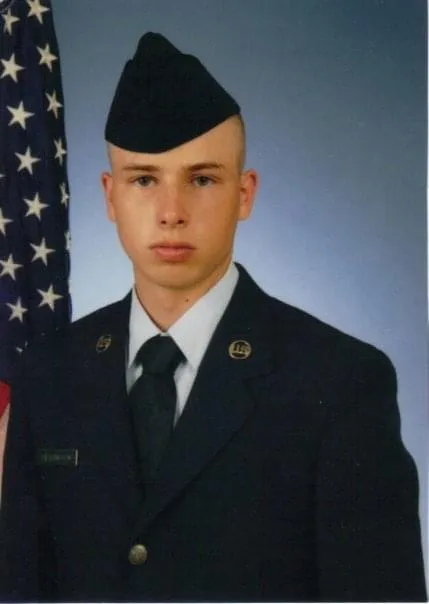
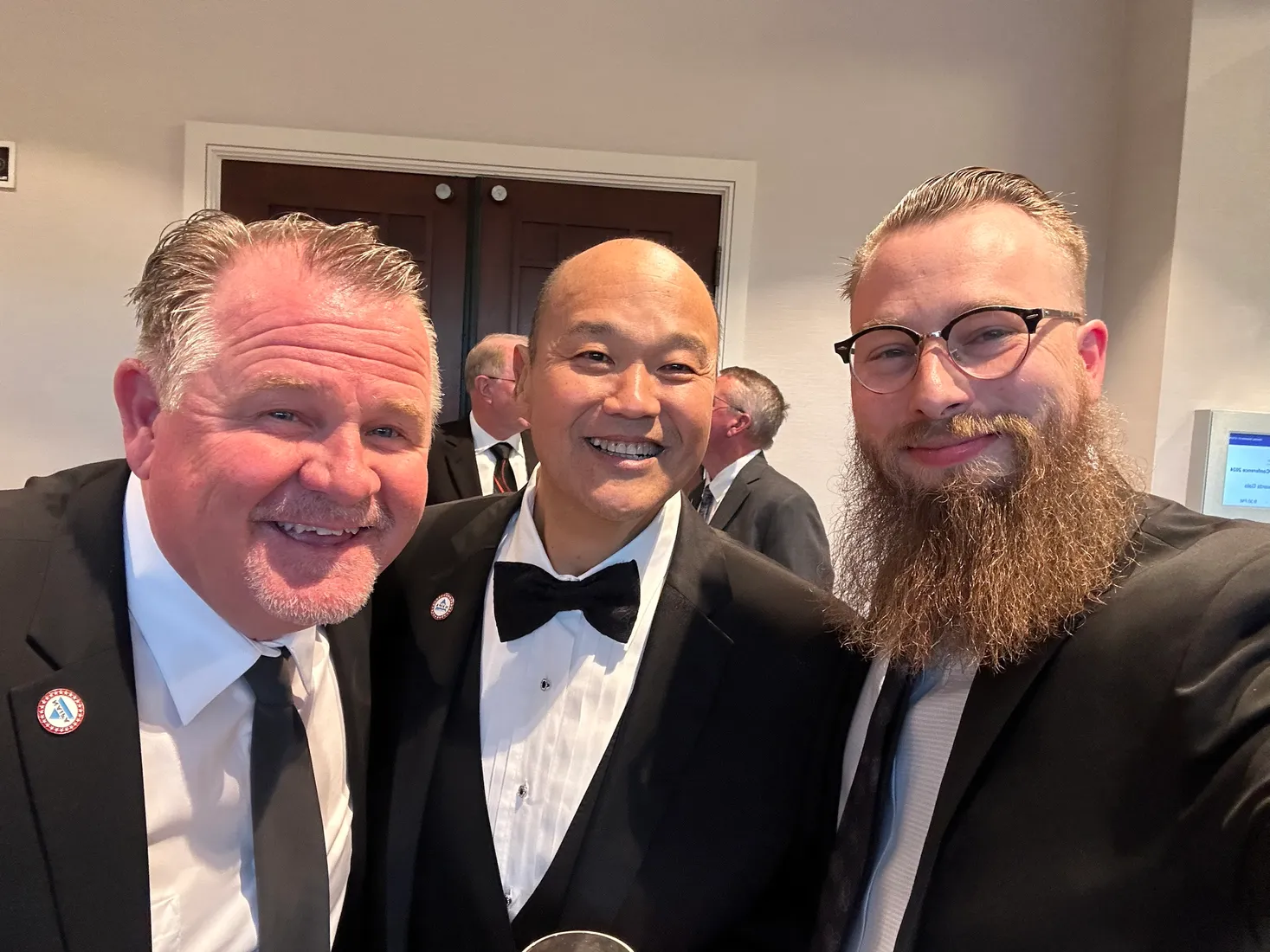
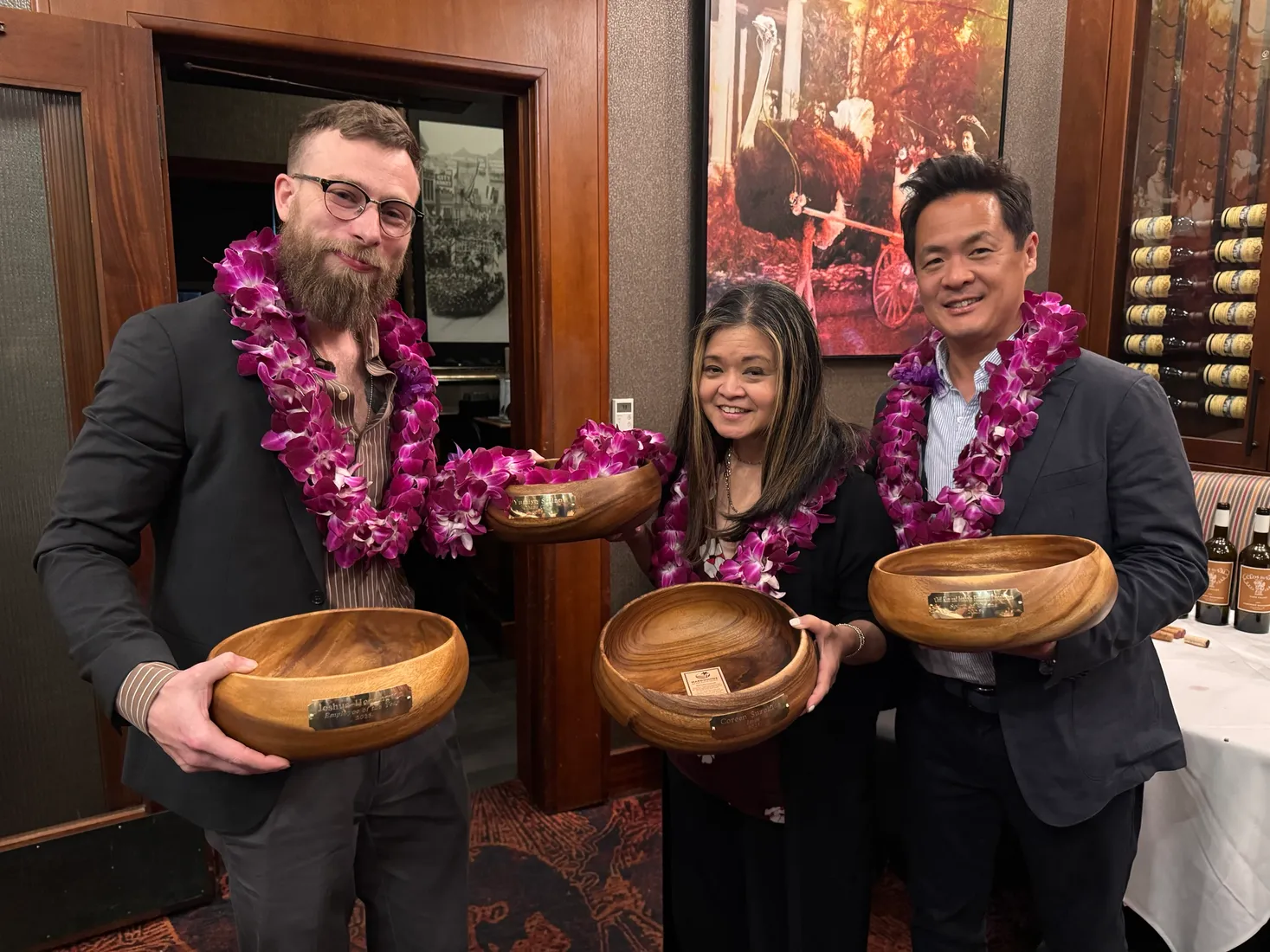
Joshua Herrington is an Air Force veteran and Director of Sales at PIC, a national BGA, where he oversees specialty brokerage distribution for PIC's agent network, the internal advisory and fixed insurance practice, carrier and vendor relations, and outreach to the CPAs, estate attorneys and professional advisors who work alongside the client. He left home for good at twelve, went through military school, finished high school at sixteen, worked a horse ranch, and served in the U.S. Air Force in Services supporting the nuclear mission — where becoming a single father changed his course. He graduated magna cum laude from the Lam Family College of Business at San Francisco State University, began his career at PIC helping clients complete life insurance applications on behalf of advisors, managed brokerage there from 2022 to 2024, served as Managing Director, North America at The Pacific Bridge Companies, and came back to lead PIC's sales organization. He is an operator who builds: the software tools, SOPs and operating systems his teams run on are his own, and his metrics go on the same board as everyone else's. He holds MDRT Court of the Table standing, sits on the NAIFA National AI Task Force, and is a 2026 MDRT EDGE workshop speaker. He writes The Values Project, a multi-volume series about the values he leads by, the stories where he gained them, and the people who taught them. Have fun, value people, make money — in that order. Imua — forward.

Left home at twelve
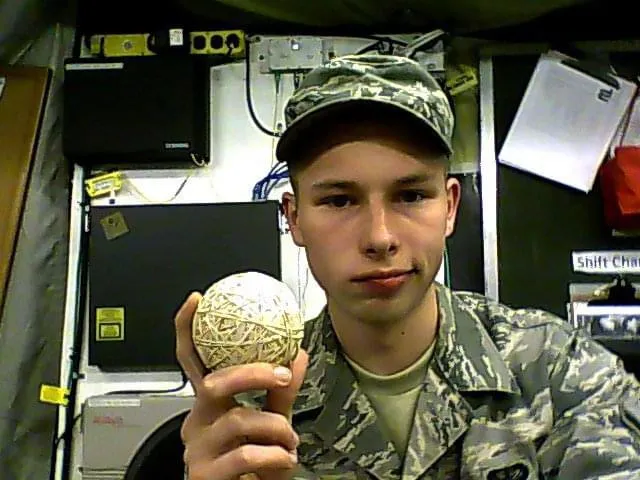
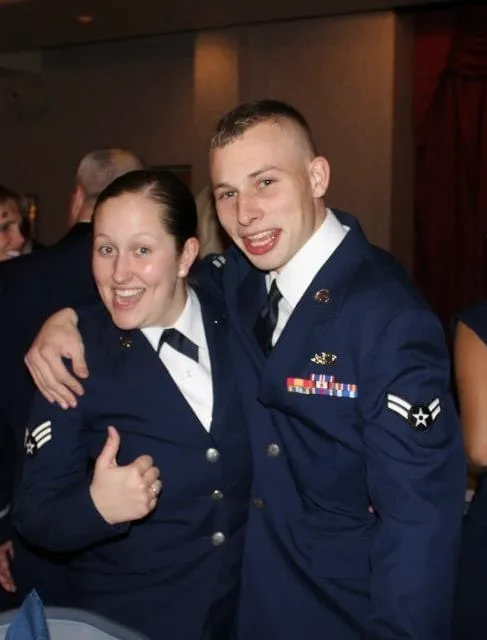
I left home for good at twelve. Military school after that, a high school diploma at sixteen, then a horse ranch until the Air Force took me. I served in Services, supporting the nuclear mission — a job where the standard is the whole point and nobody asks how you feel about it.
Becoming a single father in uniform changed my course completely. A jet plane, grounded in principle.
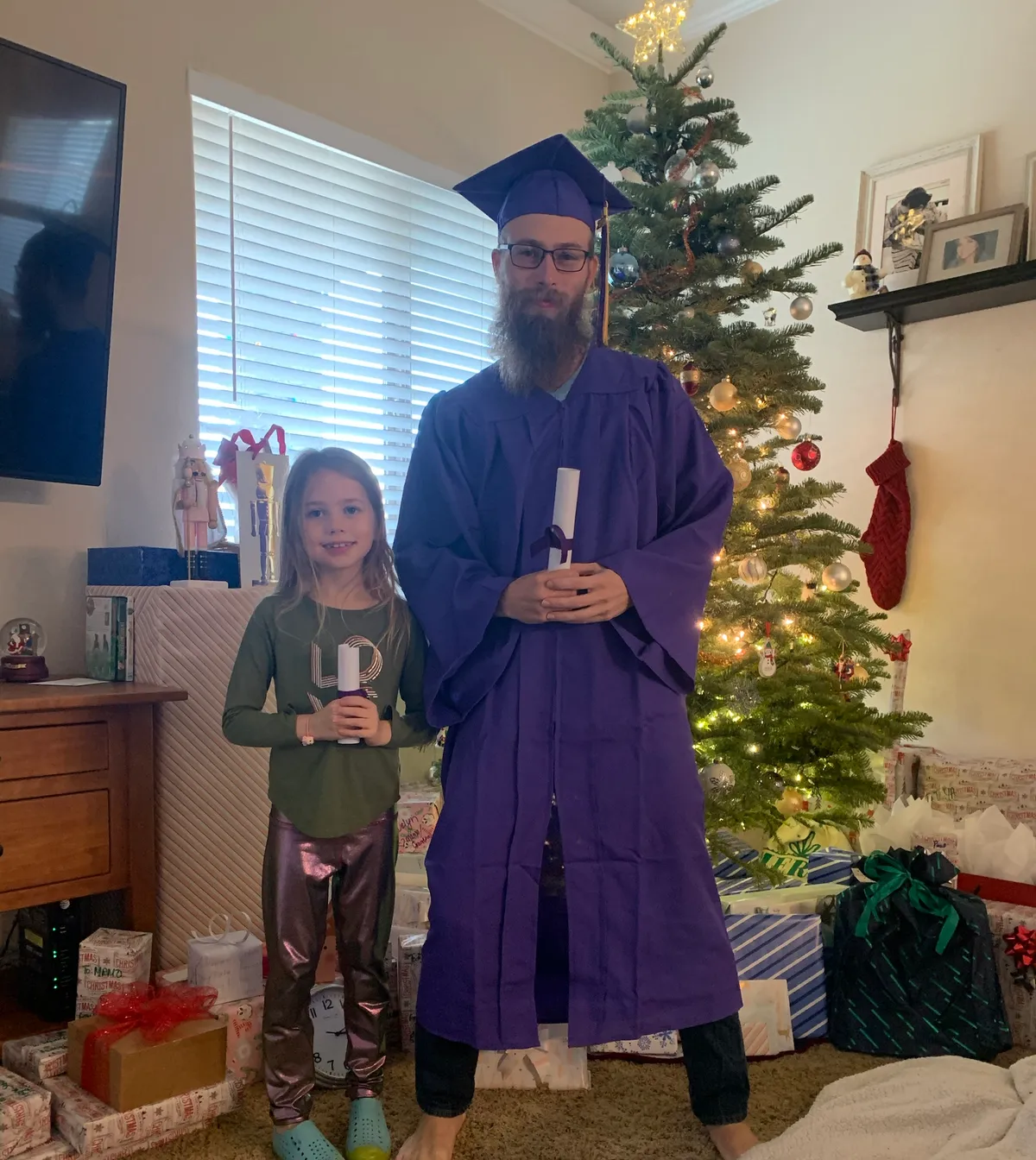
I got out and started college at twenty-seven. City College of San Francisco first — associate for transfer, with honors — then San Francisco State and the Lam Family College of Business. Two degrees in three years, Sacramento to San Francisco and back on Amtrak and BART, with a kid to raise. Magna cum laude. The goal was a bachelor's before thirty.
Eevee and I had it with a month to spare. We celebrated at home. COVID canceled our walk. We had more fun at home anyway.
The work
I started at PIC helping clients finish life insurance applications on behalf of advisors. I grew through that role and managed brokerage from 2022 to 2024, then served as Managing Director, North America at The Pacific Bridge Companies — ultra-high-net-worth families whose lives and money cross borders. Then I came back to lead PIC's sales organization.
Today I drive revenue at PIC, a national BGA. Our partners run from the 16th largest independent P&C agency to direct-to-consumer call centers that have become household names, and advisories up and down the chain of wealth — from captive agents at the big mutuals who need help on an impaired risk, to family offices structuring private placement to complement advanced tax strategy.
Four lanes
As Director of Sales, I own four of them:
- Specialty brokerage distribution for PIC's agent network
- The internal advisory and fixed insurance practice
- Carrier and vendor relations
- Outreach to the CPAs, estate attorneys and professional advisors who work alongside the client
The common thread is trust. That means clear numbers, straight answers, and follow-through agents can count on.
An operator who builds
I write the software tools, the SOPs and the operating systems my teams run on. Not slideware — the thing they actually open on Monday. And my own metrics go on the same board as everyone else's.
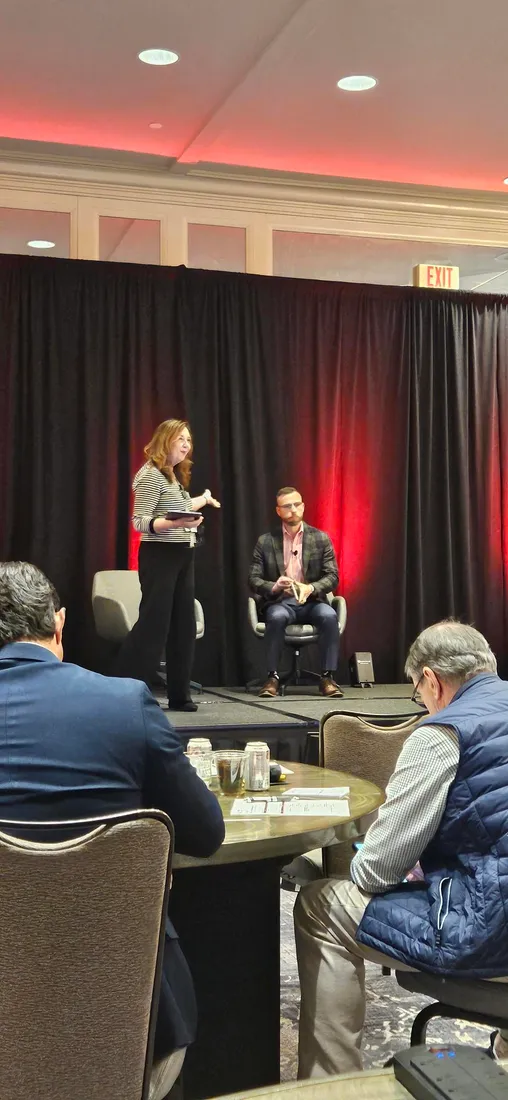
Outside that: MDRT Court of the Table standing, a seat on the NAIFA National AI Task Force, and a workshop at MDRT EDGE 2026.
Do what you say, say what you'll do. Maybe more. Never less.
What's next
I'm writing The Values Project — a multi-volume series about the values I lead by, the stories where I gained them, and the people who taught them. Built on Hawaiian values, written as it happens rather than polished up afterward. It's free to read.
Press & Media
If you want the story in my own voice, start with the podcast. The rest is where my work shows up in the field.
“Leveraging Military Fortitude in Financial Services”
In someone else's words
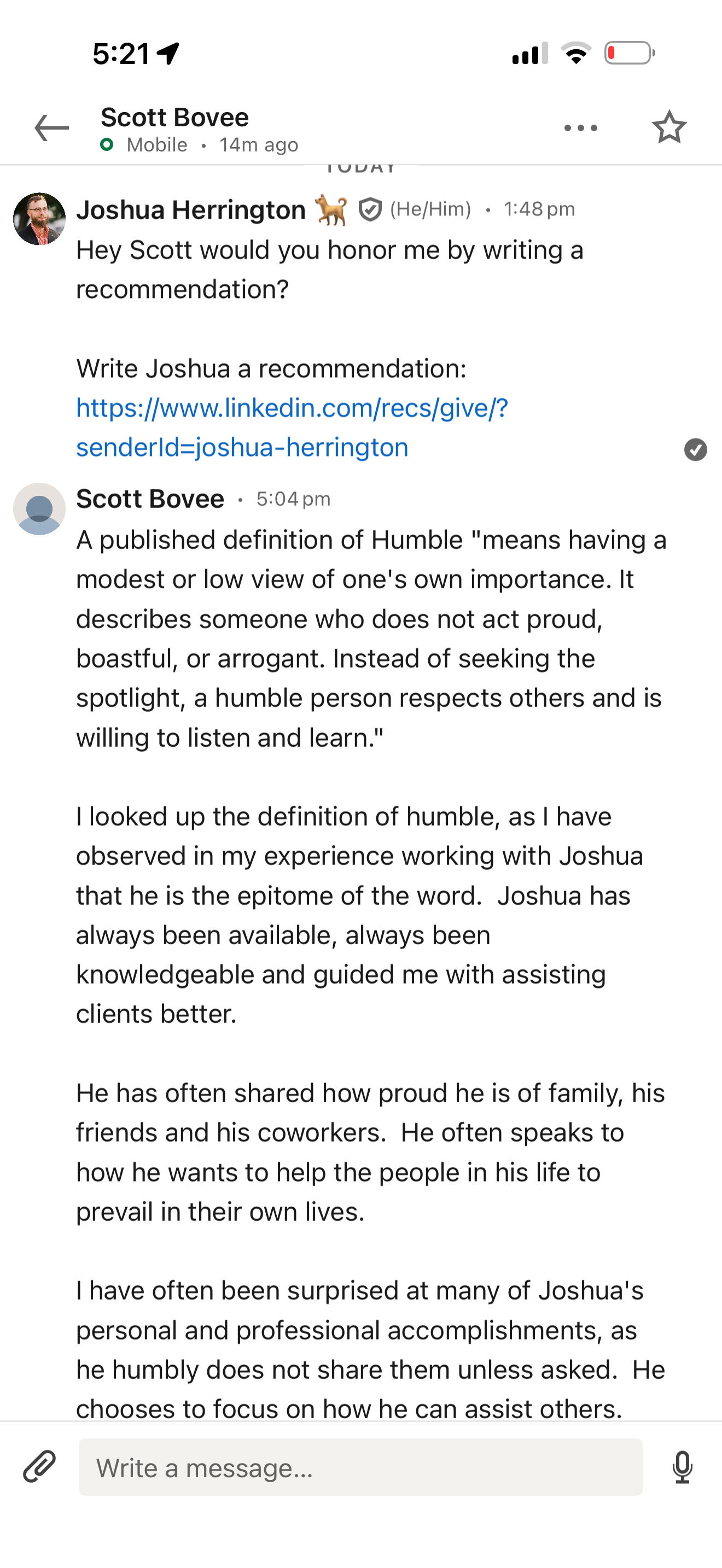
Joshua is the epitome of the word humble — a reliable, helpful, and humble servant leader.
I looked up the definition of humble, and in my experience working with Joshua, he is the epitome of the word. Joshua has always been available, always been knowledgeable, and guided me with assisting clients better.
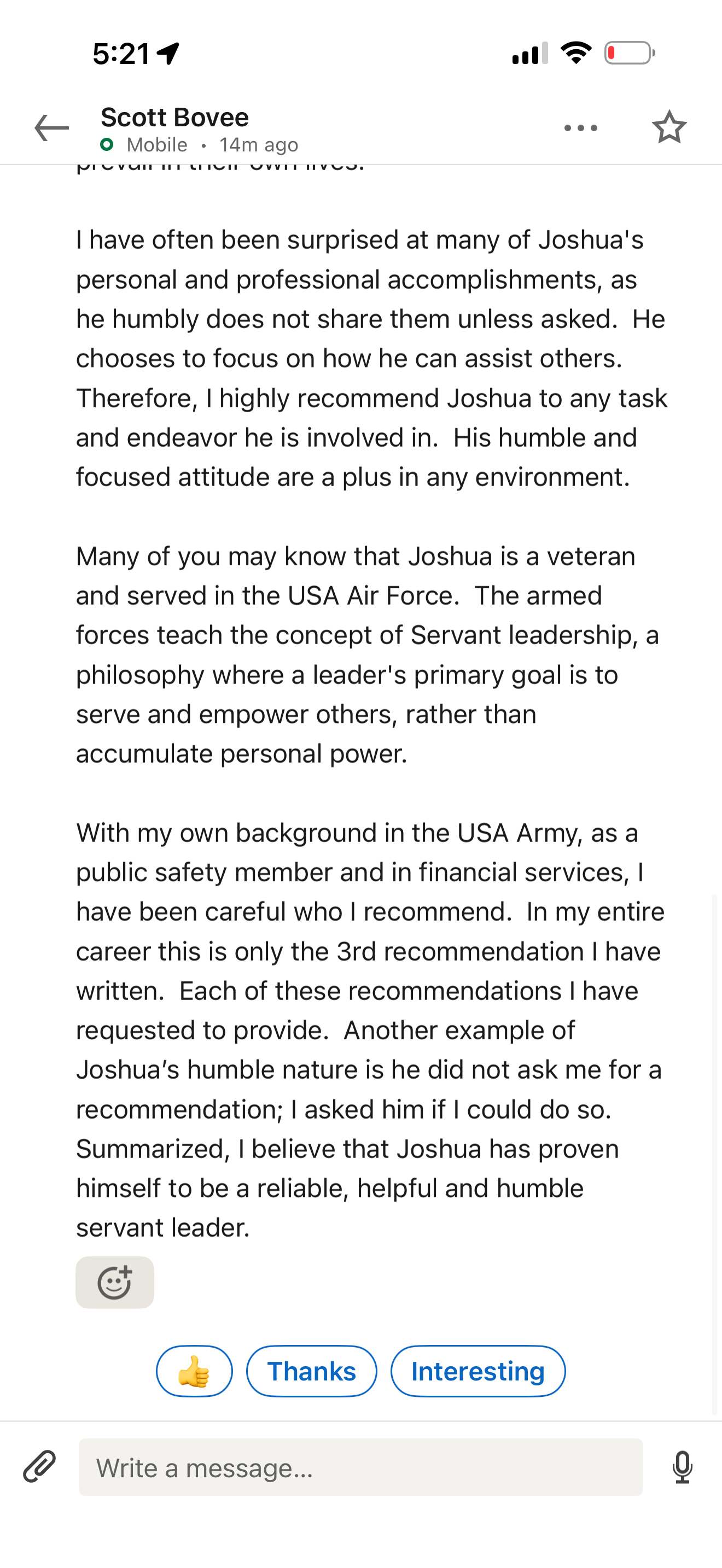
He has often shared how proud he is of his family, his friends, and his coworkers. He often speaks to how he wants to help the people in his life prevail in their own lives. I have often been surprised at many of Joshua's personal and professional accomplishments, as he humbly does not share them unless asked. He chooses to focus on how he can assist others.
Many of you may know that Joshua is a veteran and served in the U.S. Air Force. The armed forces teach the concept of servant leadership — a philosophy where a leader's primary goal is to serve and empower others, rather than accumulate personal power.
With my own background in the U.S. Army, as a public-safety member and in financial services, I have been careful who I recommend. In my entire career this is only the 3rd recommendation I have written — and each I requested to provide. Joshua did not ask me; I asked him if I could. I believe Joshua has proven himself to be a reliable, helpful, and humble servant leader.
Read the transcript
Hey, Josh, I want to wish you a happy birthday. You know, I gotta tell you how much I appreciate you and everything that you represent — how you show up, you lead by example. I mean, you've always got that pono going on. You want to do the right things for the right reasons, and you're an imua guy — you're always going for it. Not taking shortcuts, trying to deliver to everything and everybody, while supporting people too.
I mean, you give so many blessings to people, and share and uplift and motivate and elevate the team just because of who you are and what you do. And for me, that's major impact, because it motivates me to be more there, to be in that moment, to be a leader as well — to be a good one, because you are such a good one as well.
So my birthday wish for you is that you continue this upward trend, that you keep sharing your aloha, that you keep living with gratitude, with mahalo. And you are always a part of our ohana — certainly mine. So mahalo, my friend.
Outside the office
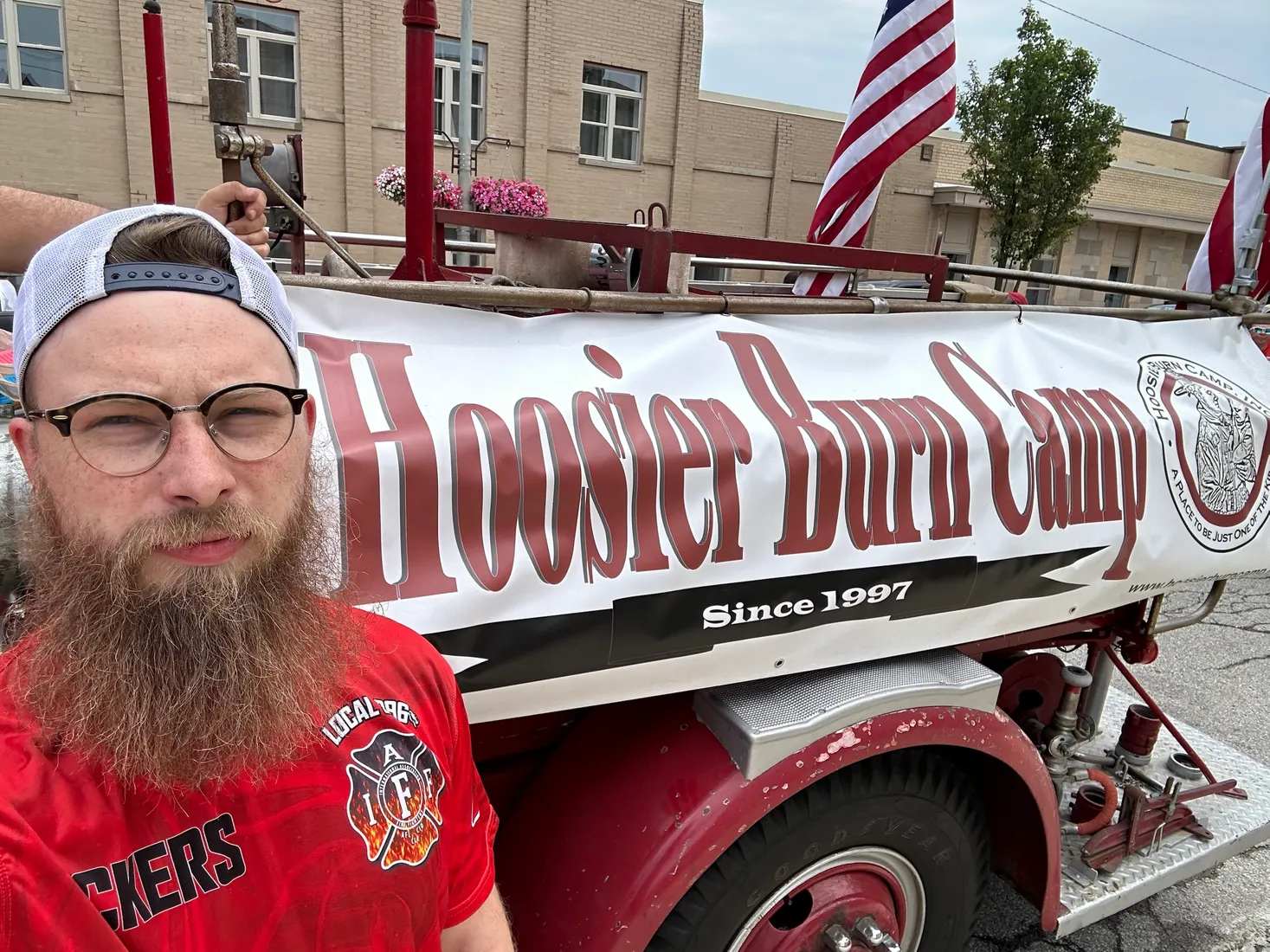
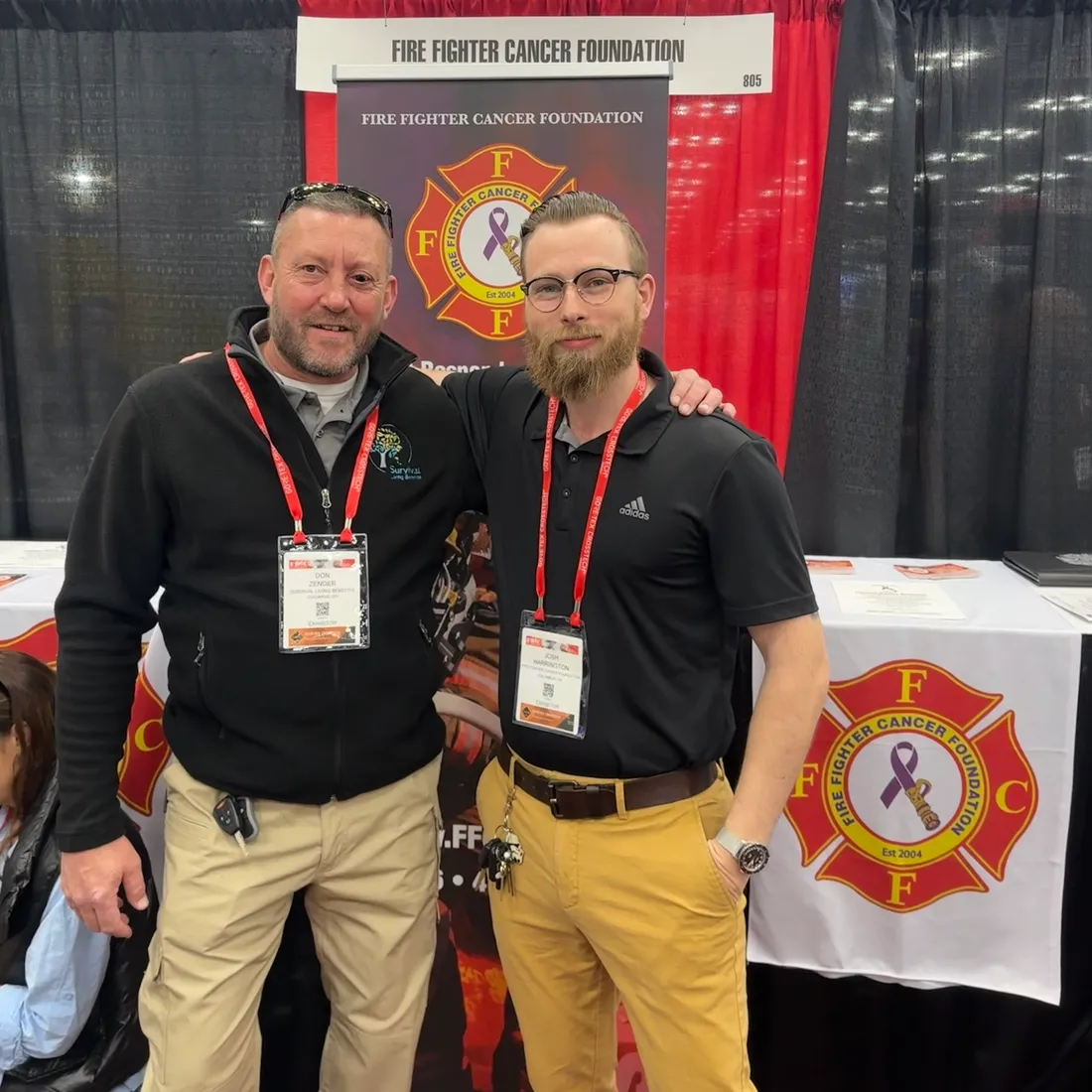
I'm a trustee for Jammin for the Camp, which puts on Jeep Jam concerts in the park every year to raise money for Hoosier Burn Camp. I volunteer with the Firefighter Cancer Foundation, mentor students at SFSU, and serve as an Air Force Key Support Liaison.
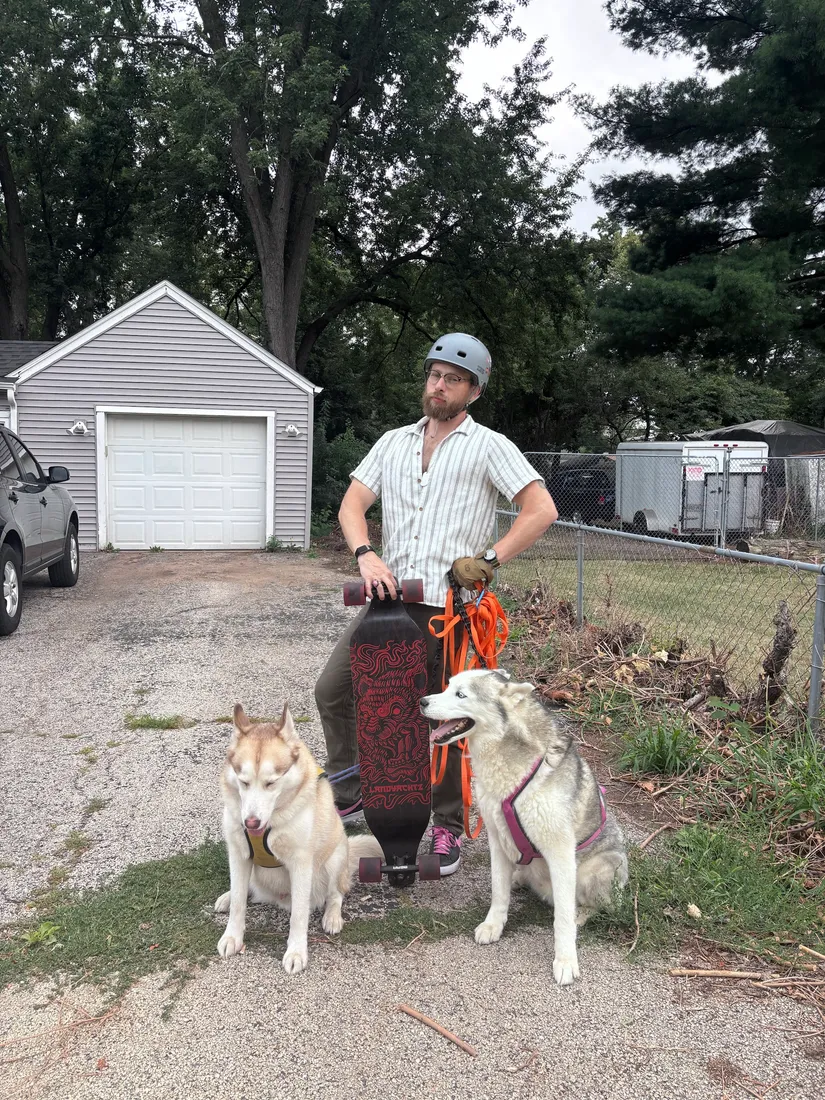
I photograph, I longboard, and I rank in the top 1% of Tetris Effect: Connected players — a fact I bring up more often than anyone needs me to.
Home is my partner Holly, two Siberian Huskies named Juno and Kodiak, and George the cat. I have a blended family and a narrow window to be present for it. I figured out what matters in time to still spend it where it matters.
The debt stops here — for my kids, and for me.
Have fun. Value people. Make money. In that order.
Guided by five values: Integrity first · Excellence in all we do · Service before self · IMUA · Gratitude.